F1 telemetry: speed, throttle, brake and lap history
Free in your browser · lap-by-lap history for every driver, live telemetry with F1 TV
Telemetry is the car's own numbers: how fast it went, how hard the driver was on the throttle and the brake, how the lap was built. PITWALL's History page lines these up lap by lap for any driver, and the live windows add the speed trace and pedal behaviour while a session is running.
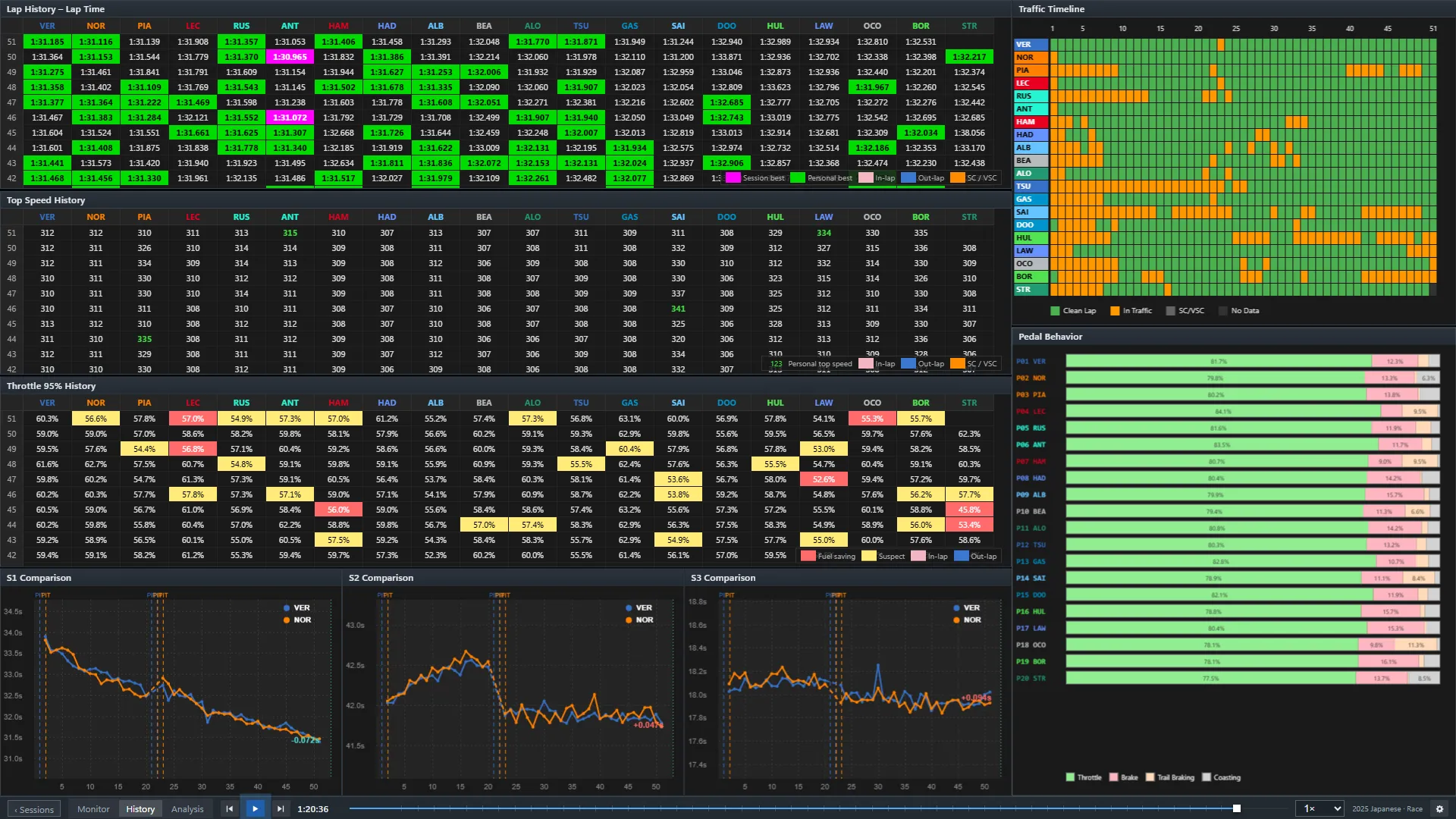
What the History page shows
- Lap time, top speed and throttle history for the drivers you pick, lap after lap.
- Sector comparison between drivers, with the session-best colours.
- Traffic and pedal behaviour: whether a lap was spent behind another car, and how the throttle and brake were used.
Live: what needs F1 TV
The live speed trace, throttle and brake, traffic and pedal windows, and the live track map, use car data that F1 only sends to signed-in F1 TV subscribers. If you have a subscription, connect it with a bookmark: the access token stays in your own browser and is never sent to PITWALL's servers. How to connect F1 TV. Without it those windows show a dash and everything else keeps working.
Questions
Do I need F1 TV to see telemetry?
Not for the lap-by-lap history. The live speed trace, pedal and track map windows need the car data that only F1 TV subscribers receive.
Can I look at a past race?
Yes. Open a race in the replay and switch to the History page. The races you can replay are listed on the race replay page.
Is PITWALL official?
No. PITWALL is an unofficial project and is not associated with the Formula 1 companies.